K
Managing URL Priorities
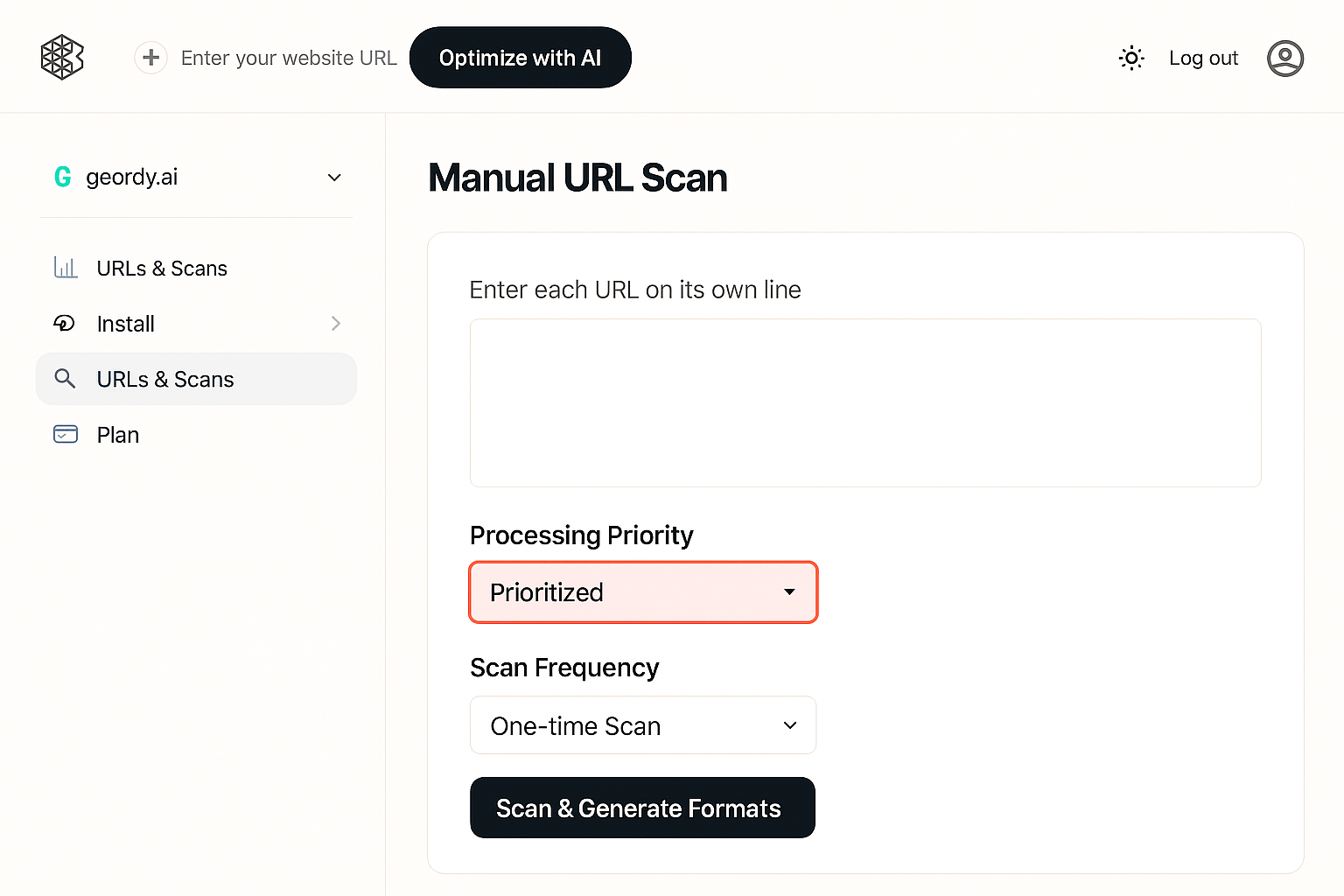
Control the order in which Geordy processes URLs during scans by setting priority levels.
Priorities determine the order in which Geordy processes URLs during each automated or manual scan.
Priority Levels
Prioritized
SuccessAlways processed first, regardless of cadence. Use for high-value pages like homepage, product collections, and blog index.
Normal
PendingProcessed according to assigned cadence (daily, weekly, or monthly). Default setting for most pages.
Excluded
InactiveSkipped from scans and generation. Use for pages you don't want indexed by AI systems.
How to Update Priority
1
Open the URLs page
Navigate to the URLs section from your dashboard sidebar.
2
Hover over the target row
Find the URL you want to modify and hover over its row to reveal actions.
3
Click the Priority dropdown
Select the priority dropdown menu in the Actions column.
4
Select priority level
Choose Prioritized, Normal, or Excluded from the dropdown options.
Changes take effect immediately on the next scan cycle.
Best Practice
Keep your homepage, product collections, and blog index pages marked as Prioritized to ensure frequent updates for AI visibility.
Bulk Priority Updates
You can also set priority during manual scans. See Add Your URLs for more details.